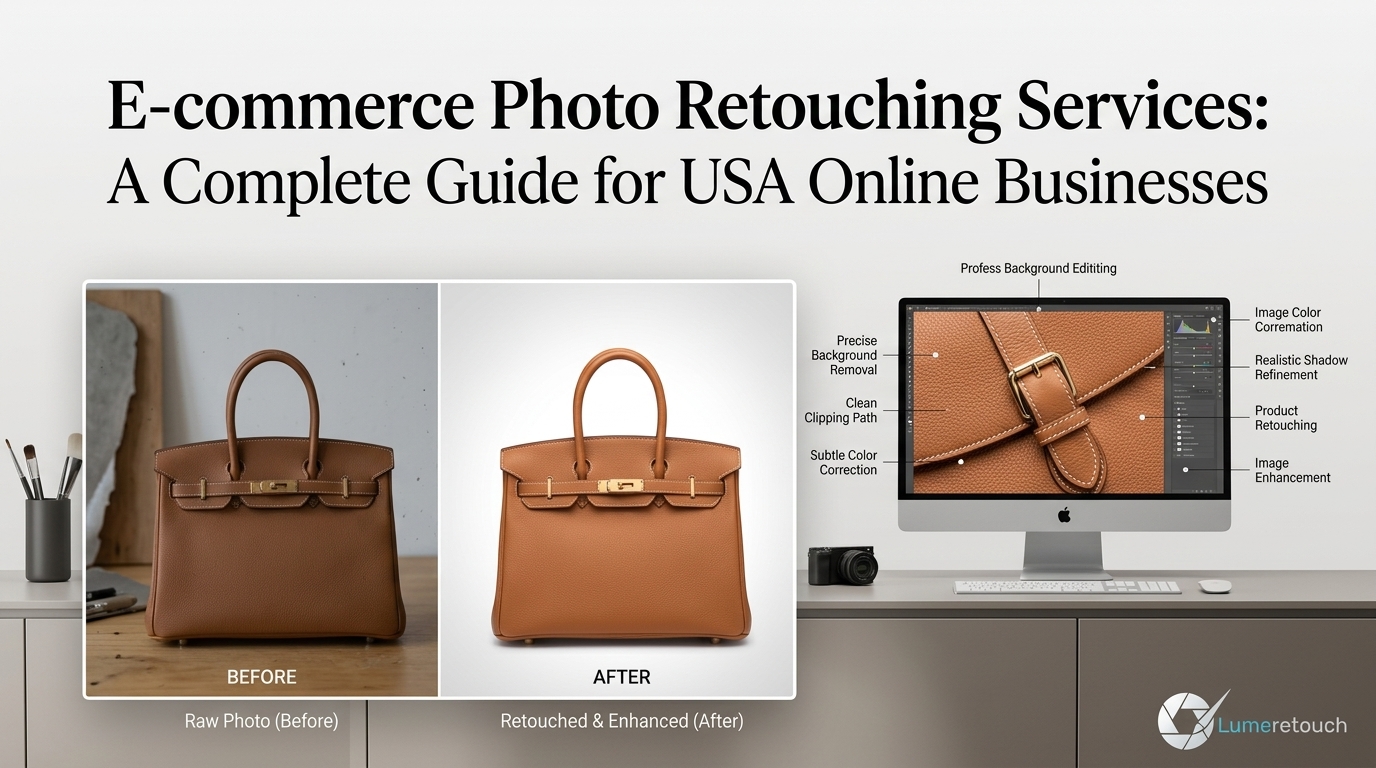
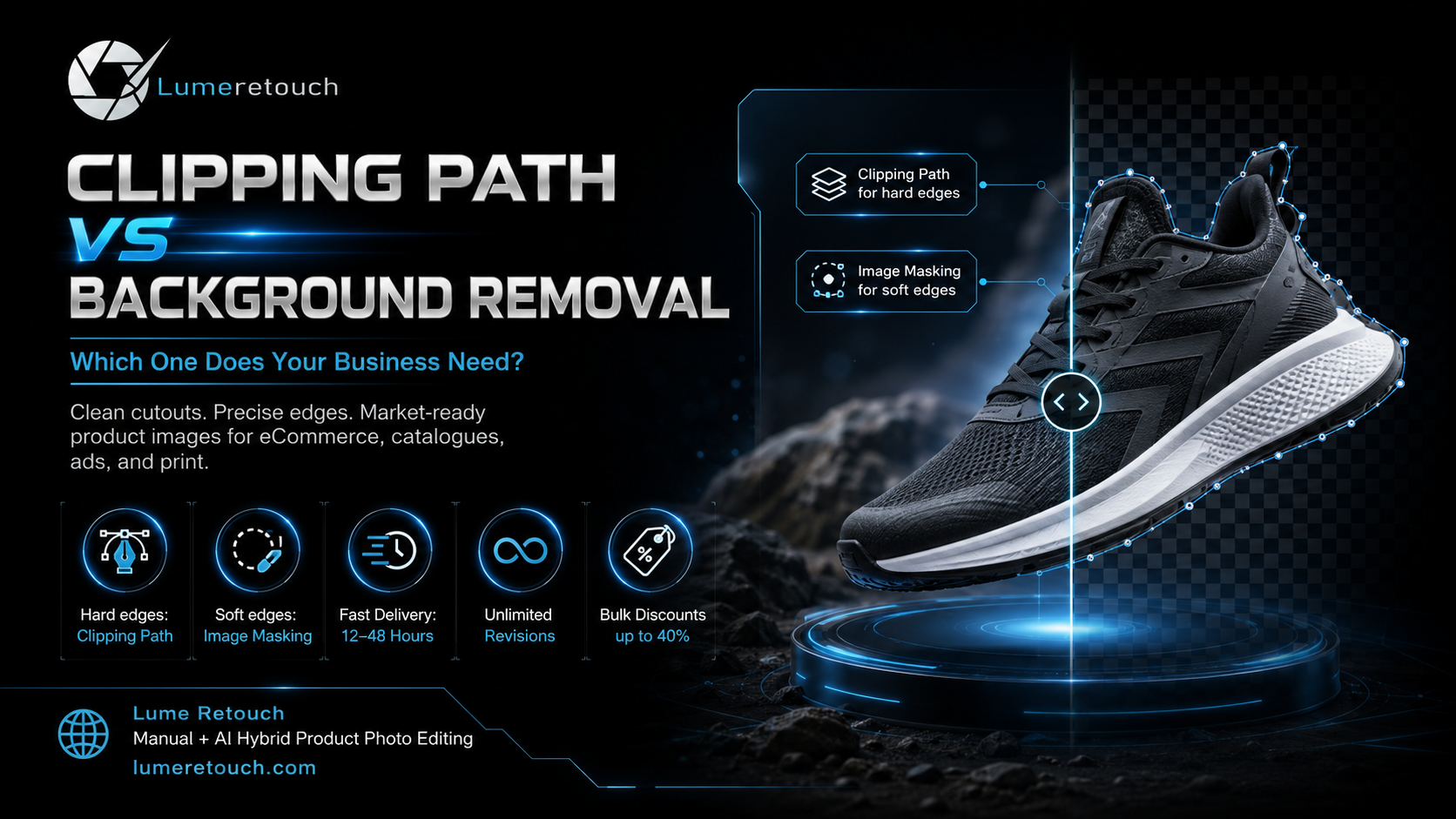
A clipping path creates a precise outline around a product with clear edges.
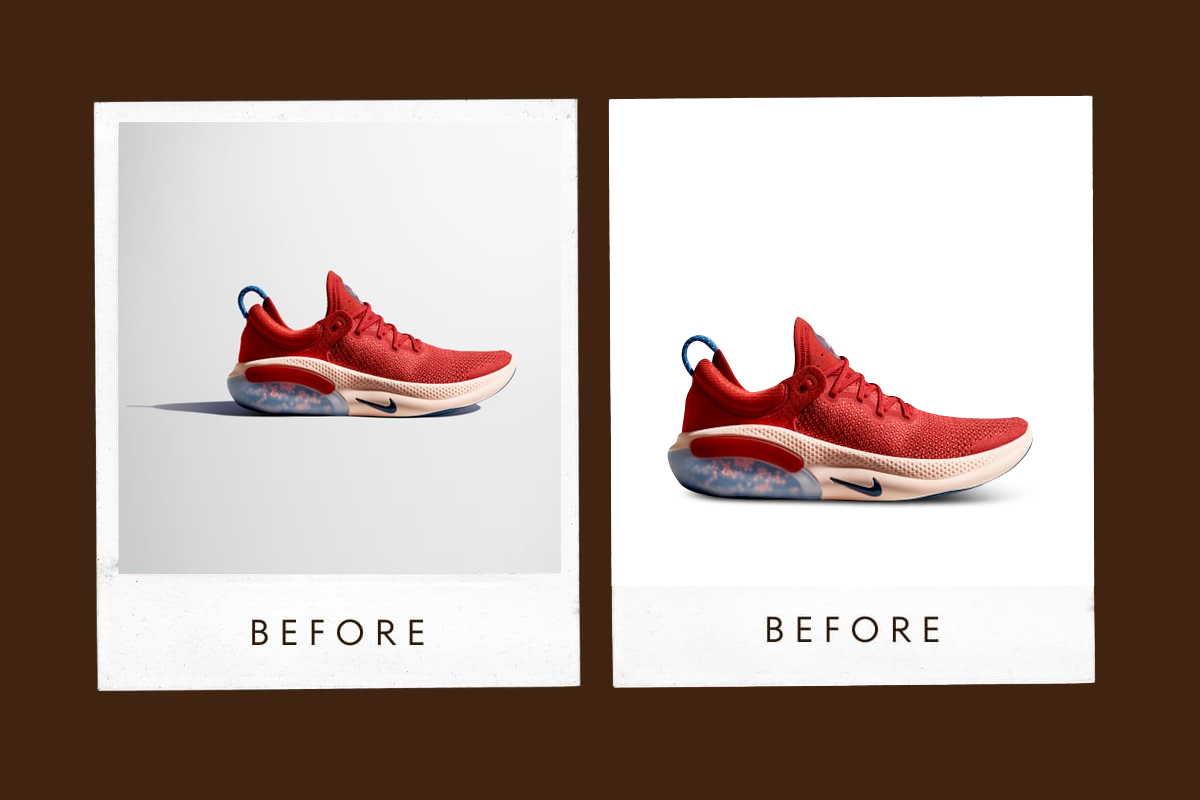
Background removal separates a subject from its original setting.
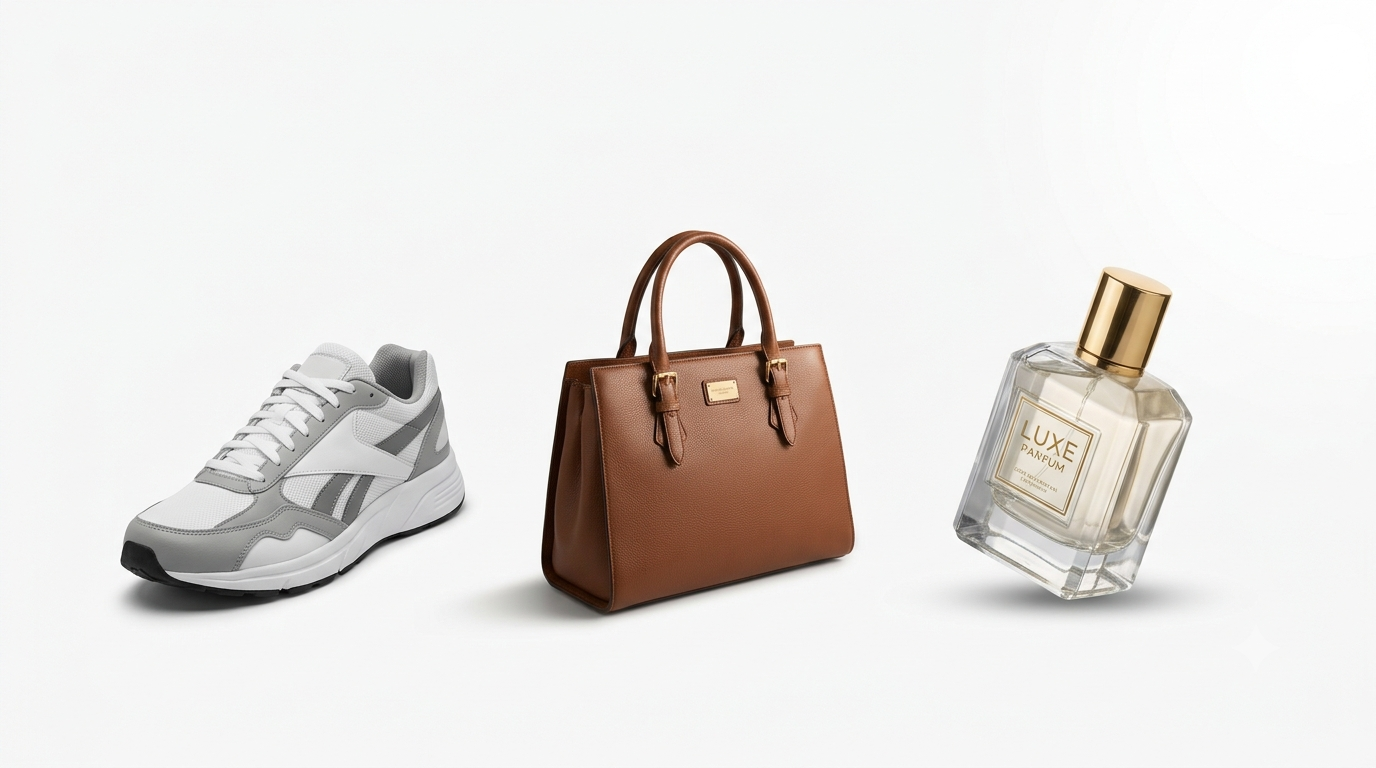
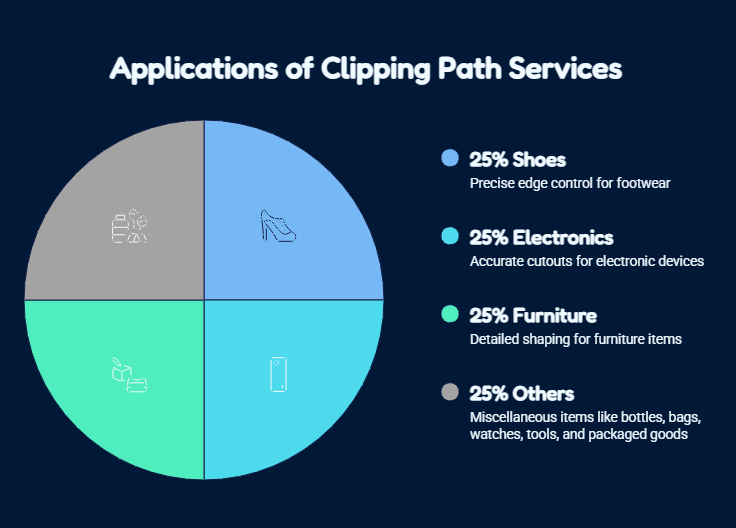
Clipping paths suit shoes, furniture, electronics, bottles, and packaging.
Image masking works better for hair, fur, lace, glass, and soft edges.
The right method gives you clean images for eCommerce, catalogues, advertising, and print.
When you prepare product photos, you may see terms such as Clipping Path Service, Background Removal Service, image masking, product cutout, and white background editing. These services sound similar, but they do not mean the same thing.
Understanding Clipping Path vs Background Removal helps you choose the right method, avoid rough edges, control costs, and explain your requirements clearly. A clipping path is a technique, while background removal is the final result.
What Is a Clipping Path?
A clipping path is a closed vector outline that an editor draws around an object, usually with the Pen Tool in Adobe Photoshop.
The editor places anchor points around the item and adjusts each curve until the path follows the product shape accurately. This process separates the object from its surroundings without damaging the outline.
A Professional Clipping Path Service works best for products with firm, smooth edges, such as shoes, handbags, watches, electronics, furniture, bottles, boxes, tools, and kitchen products.
Once the path is ready, you can remove or replace the background, adjust selected colours, isolate product parts, or prepare the image for websites, advertisements, catalogues, and print.
What Is Background Removal?
Background removal separates the main subject from everything behind it.
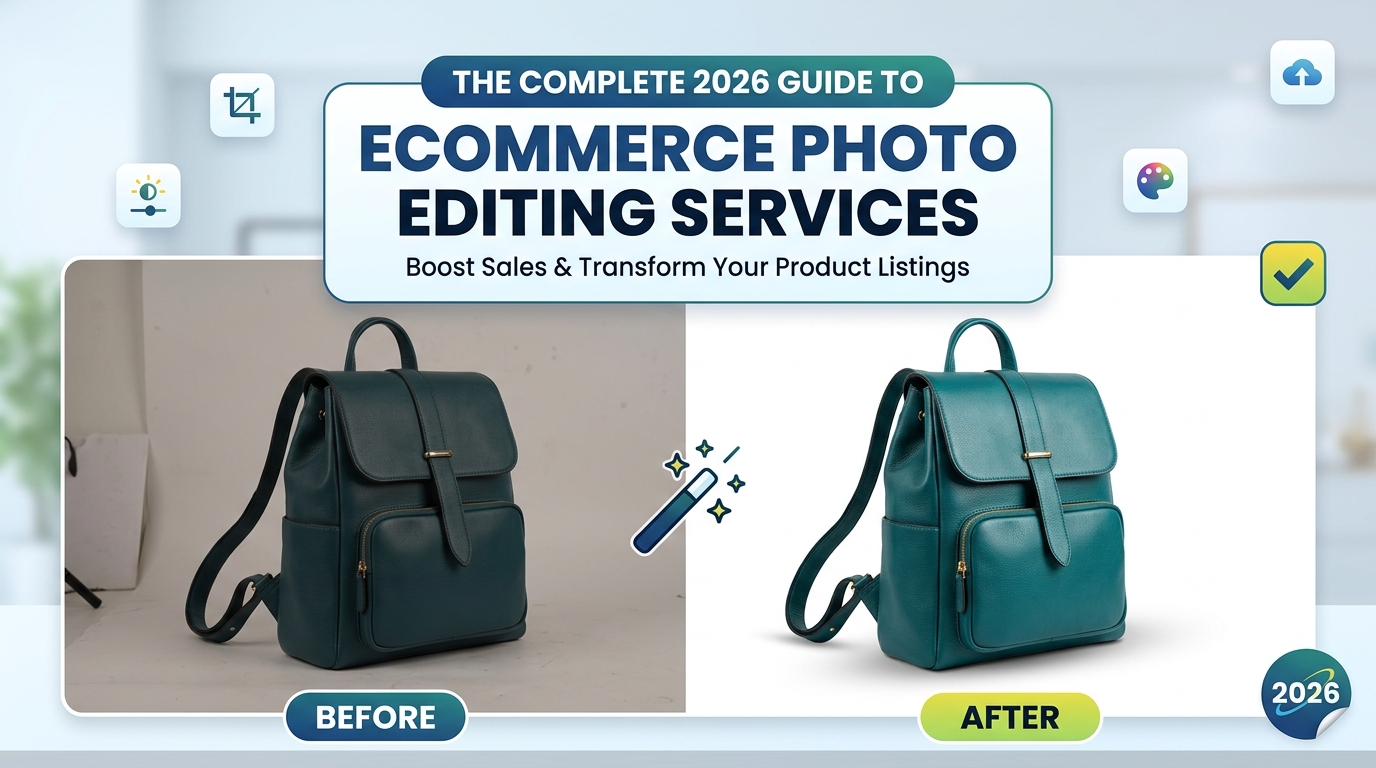
When you order Image Background Removal, you usually want the product placed on a white, transparent, coloured, or custom background.
A professional Background Removal Service may use a clipping path for solid edges, an Image Masking Service for soft or transparent details, manual selection for irregular objects, AI tools for simple work, or a combination of methods.
Background removal describes the result you receive. A clipping path describes one method used to create it.
Clipping Path vs Background Removal: Main Differences
The key difference in Clipping Path vs Background Removal is purpose. A clipping path creates a controlled boundary. Background removal uses that boundary, a mask, or another method to remove or replace the surrounding area.
| Comparison Point | Clipping Path | Background Removal |
| Main purpose | Creates a precise outline | Removes or replaces the background |
| Best for | Hard, smooth, defined edges | Hard, soft, transparent, or mixed edges |
| Common products | Shoes, electronics, furniture, bottles, boxes | Clothing, jewellery, cosmetics, people |
| Editing method | Usually created manually with the Pen Tool | May use paths, masking, AI, or combined methods |
| Complex edges | Not ideal for hair, fur, smoke, or glass | Handles complex edges through masking |
| Final output | PSD, TIFF, or file with a saved path | PNG, JPEG, PSD, or TIFF |
| Best use | Reusable cutouts, catalogues, print, design | Ready-to-upload eCommerce images |
You do not always need to choose only one service. Many professional projects use a clipping path first and then complete the full background removal process.
Choosing the correct service also helps you avoid paying for unnecessary work. A simple box may only need a basic path, while jewellery, glass, or fashion images may need advanced masking and retouching. When your editor matches the method to the image, you receive cleaner results, faster delivery, and more consistent files across your catalogue. This careful approach keeps your visual style professional across every sales channel.
When Should You Choose a Clipping Path Service?
Choose a Clipping Path Service when your product has solid edges and you need precise control.
It works well for shoes, electronics, furniture, bottles, bags, watches, tools, and packaged goods. A skilled editor can follow curves, corners, holes, handles, and small gaps without cutting into the product.
For large catalogues, a clipping path improves consistency. Matching size, crop, margins, and positioning makes your store look organised and reliable.
When Should You Choose a Background Removal Service?
Choose a Background Removal Service when you need a completed image that you can upload immediately.
A White Background Photo Editing Service helps you prepare images for Amazon, Shopify, Etsy, eBay, Google Shopping, and other sales platforms.
You may also need a Product Background Removal Service when the original photograph contains uneven walls, visible equipment, floor lines, unwanted props, harsh shadows, or colour casts.
Professional eCommerce Product Image Editing may also include alignment, resizing, colour correction, dust removal, reflection control, shadow creation, and file optimisation.
Clipping Path vs Image Masking
The difference between Clipping Path vs Image Masking depends mainly on edge type.
Use a clipping path for boxes, shoes, furniture, electronics, bottles, bags, and solid accessories.
Use an Image Masking Service for hair, fur, lace, feathers, glass, smoke, netting, and fine fabric fibres.
Two points should guide your choice:
- Clean edges protect your brand. Rough borders and missing details can make premium products look unprofessional.
- Accurate editing protects customer trust. Your image should preserve the real colour, shape, texture, logo, label, and material.
Which Method Does Your Business Need?
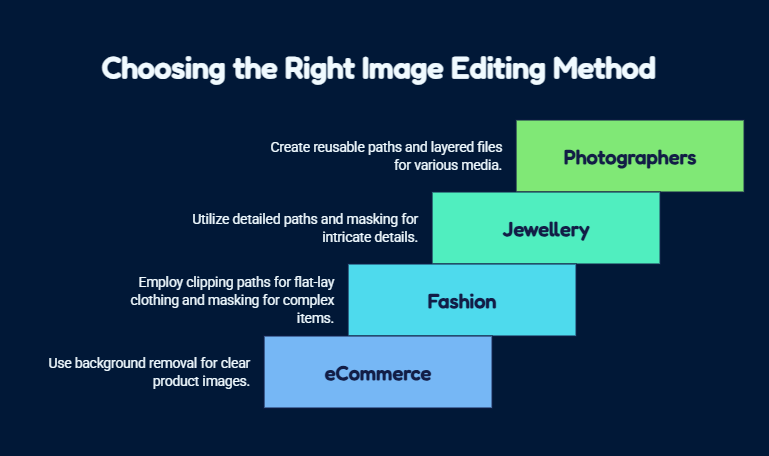
eCommerce businesses
You usually need Background Removal for eCommerce, although your editor may use a clipping path to create the result.
Fashion and apparel brands
Flat-lay clothing with clear outlines may suit clipping paths. Model photos, lace, transparent fabric, loose fibres, and hair usually require masking. You may also need ghost mannequin editing and colour matching.
Jewellery and luxury brands
Jewellery often needs detailed paths, masking, reflection control, and retouching. Your editor should protect the stone shape, engraving, metal tone, chain links, proportions, and natural reflections.
Photographers and agencies
Photographers may need reusable paths for commercial clients. Agencies often need layered files for websites, catalogues, advertisements, print, and social media. Outsourcing gives you more time for photography, strategy, and client work.
Manual Editing vs Automatic Background Removal
AI tools can remove simple backgrounds quickly when the subject has strong contrast and limited detail.
However, automatic tools may struggle with pale products, dark products, transparent glass, reflective jewellery, hair, fur, fine chains, soft shadows, logos, and printed text. They may remove product parts or create unrealistic transparency.
Lume Retouch uses a Manual + AI hybrid workflow. AI supports suitable repetitive tasks, while our editors control paths, masks, colours, shadows, labels, reflections, and product identity.
Why Choose Lume Retouch?
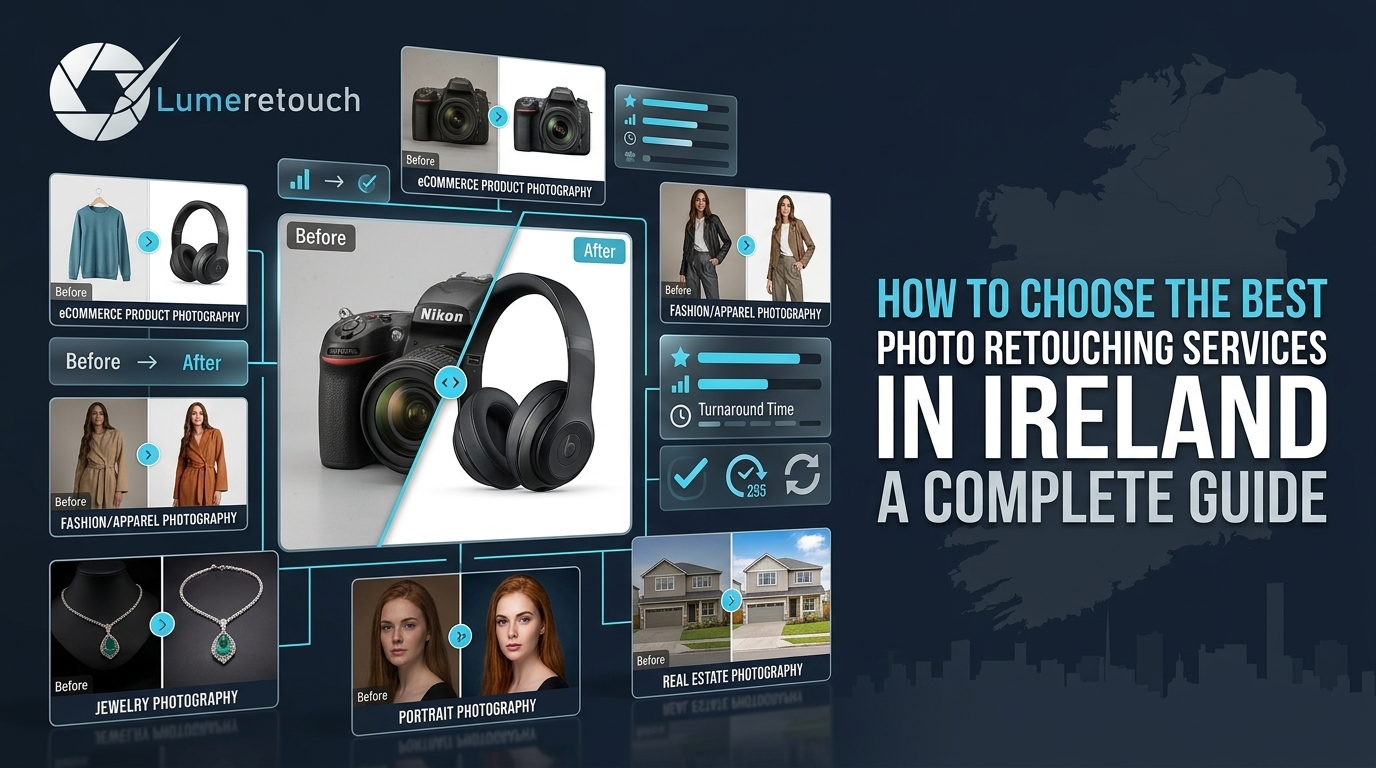
Lume Retouch supports photographers, eCommerce sellers, fashion brands, jewellery businesses, real estate agencies, studios, and marketing teams.
You receive:
- Manual + AI hybrid editing
- Delivery within 12–48 hours
- Unlimited revisions
- Up to 40% bulk discounts
- Support for JPG, PNG, PSD, TIFF, and RAW
- Personalised attention
How Our Editing Process Works
First, you send your images, instructions, quantity, format, and deadline. We review the project and provide a custom quote.
Next, you upload your files through our website, Google Drive, Dropbox, WeTransfer, or email.
Our editors select the right combination of clipping paths, masking, manual cleanup, and AI-assisted tools. Every image goes through an internal quality check.
We deliver most projects within 12–48 hours, depending on volume and complexity. You can request unlimited revisions at no extra charge until the files meet the agreed requirements.
Final Answer: Which Service Should You Choose?
When comparing Clipping Path vs Background Removal, choose according to your product edges and required output.
Choose a clipping path when your item has hard, defined edges and you need accurate, reusable control.
Choose background removal when you need a complete image on a white, transparent, coloured, or custom background.
Choose image masking when your product includes hair, fur, lace, glass, smoke, fine fibres, or transparent sections.
For many eCommerce projects, the best solution combines a professional clipping path with complete background removal. The path creates the boundary, while the full process prepares your image for websites, marketplaces, catalogues, advertisements, and print.
Frequently Asked Questions
What is the difference between clipping path and background removal?
A clipping path creates a precise outline around a product. Background removal removes or replaces the area around it.
Is a clipping path better than background removal?
Neither is always better. A clipping path suits hard edges, while background removal describes the final result.
When should you use image masking?
Use masking for hair, fur, lace, glass, feathers, smoke, transparent materials, and fine fibres.
Can AI remove product backgrounds professionally?
AI can handle simple images, but human review remains important for complex edges, shadows, labels, reflections, and transparency.
How much does professional background removal cost?
The price depends on image quantity, edge complexity, required output, and turnaround time. Lume Retouch offers custom quotes and bulk discounts of up to 40%.
Contact Lume Retouch
Company: Lume Retouch
Service Area: Europe, USA, Canada, Australia, and the UAE
Turnaround Time: 12–48 hours
Revisions: Unlimited
Bulk Discount: Up to 40%
Supported Formats: JPG, PNG, PSD, TIFF, and RAW
Website: https://lumeretouch.com/
Email:contact@lumeretouch.com
Phone or WhatsApp: +8801609045290
Send your images and project requirements to Lume Retouch for a free consultation and custom quote.