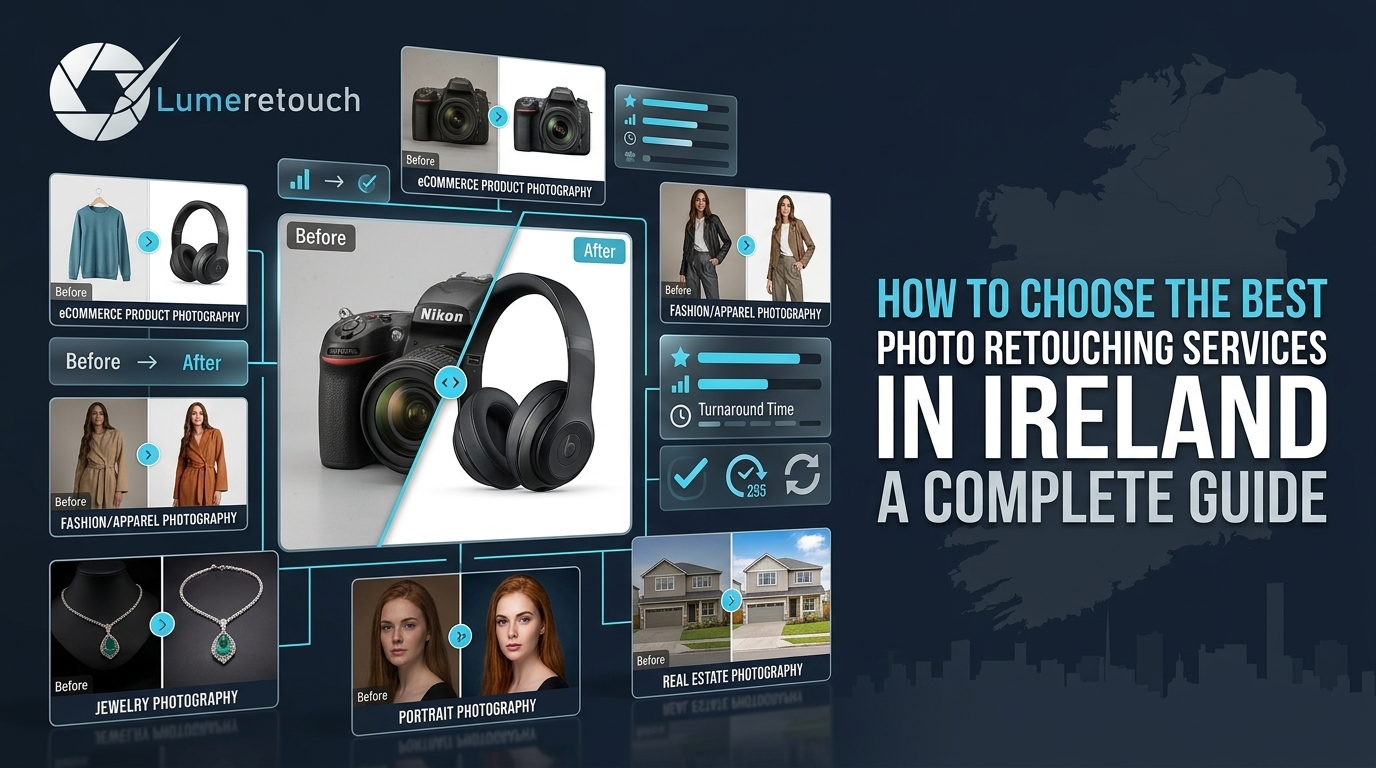
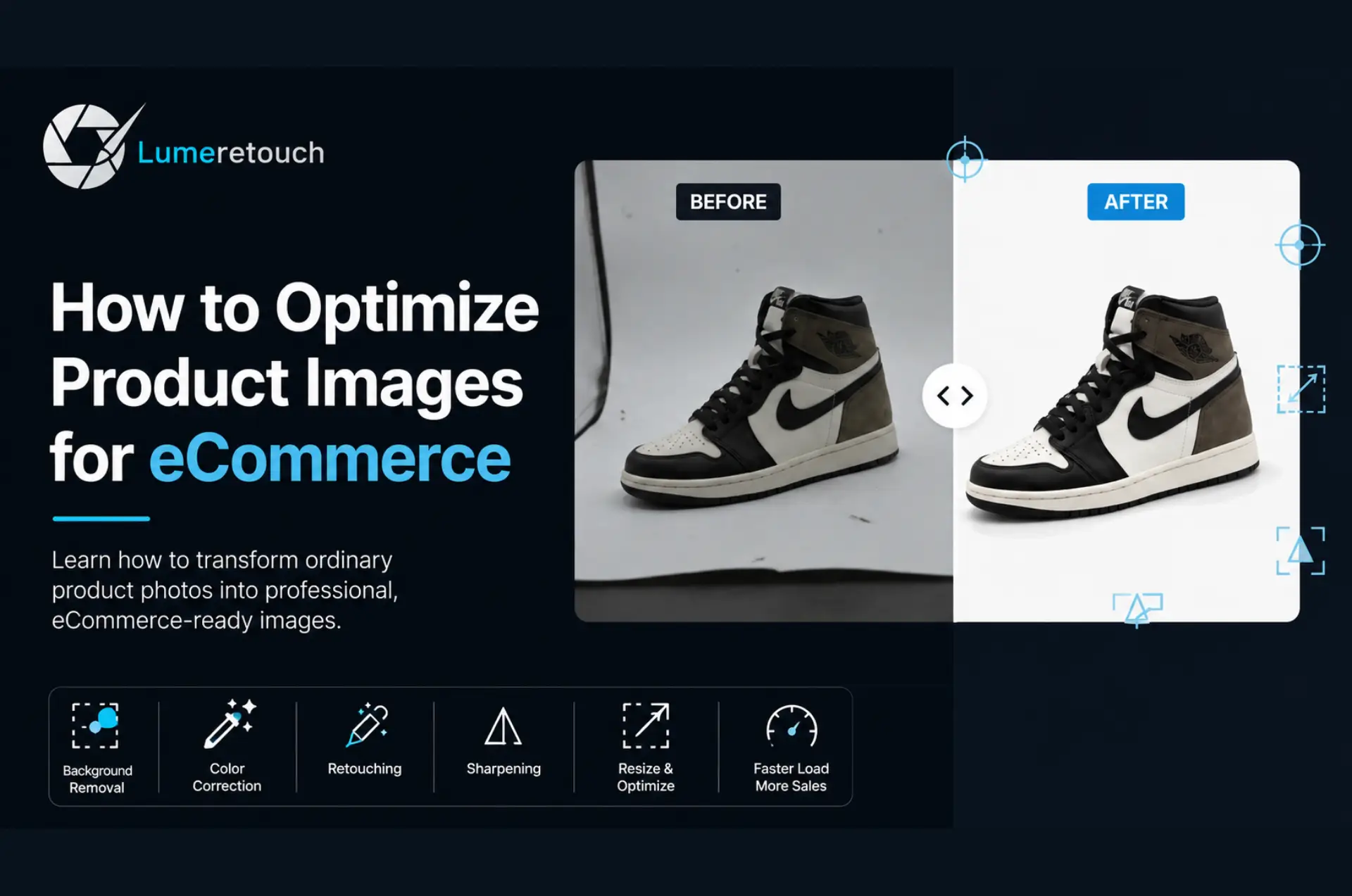
If your product photos look dull, inconsistent, or amateurish, shoppers will scroll right past them, no matter how good your product is. This guide walks you through exactly how to enhance product images for eCommerce business growth, covering background removal, color correction, retouching, and the mistakes most sellers make. You will also learn when it makes sense to outsource this work instead of doing it yourself. By the end, you will have a clear, practical roadmap to turn average photos into images that actually sell.
How to Enhance Product Images for Your eCommerce Business
You have spent weeks perfecting your product. You have written a killer description. You have set a fair price. And yet, the sales are not coming in the way you expected.
We see this all the time. Nine times out of ten, the culprit is not the product itself. It is the photos.
Online shoppers cannot touch, smell, or try on what you sell. Your images are the only thing standing between “add to cart” and “back button.” A blurry background, a dull skin tone, or a mismatched color across your listing photos quietly chips away at trust, and trust is what converts browsers into buyers.
This guide breaks down exactly how to enhance product photos so they build confidence instead of doubt. We will cover what actually moves the needle, the process professionals use, common mistakes sellers make, and how to know when it is time to bring in outside help. We have retouched thousands of product images for eCommerce brands across the UK, Germany, France, and beyond, so everything here comes from what actually works, not just theory.
How to Enhance Product Images
- Product image enhancement means correcting color, removing backgrounds, sharpening detail, and keeping every photo in your catalog visually consistent.
- Clean, well-lit, distraction-free images build customer trust and directly improve ecommerce conversion rates.
- The core fixes are background removal, color correction, sharpening, resizing, and compression — get these right and 80% of the work is done.
- Consistency across multiple product angles matters just as much as individual photo quality.
- You can DIY simple edits, but bulk catalogs with complex products (jewelry, apparel, furniture) usually benefit from professional product photography editing support.
What Product Image Enhancement Actually Means
Let’s clear up some confusion first. Product image enhancement is not about making your item look fake or overly filtered. It is about presenting it exactly as it is, but at its absolute best. In short, this is exactly what it means to Enhance Product Images for eCommerce Business the right way, not by faking quality, but by revealing it.
Think of it like this: your raw camera photo is the rough draft. Editing is the final polish that removes distractions and lets the product speak for itself.
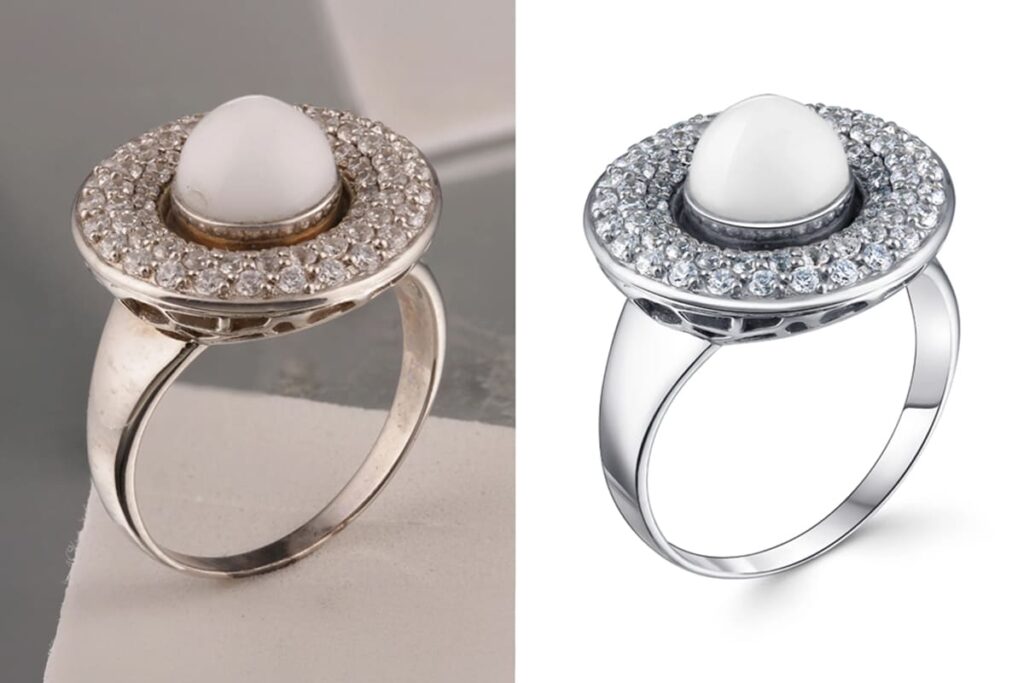
Product photo editing typically includes:
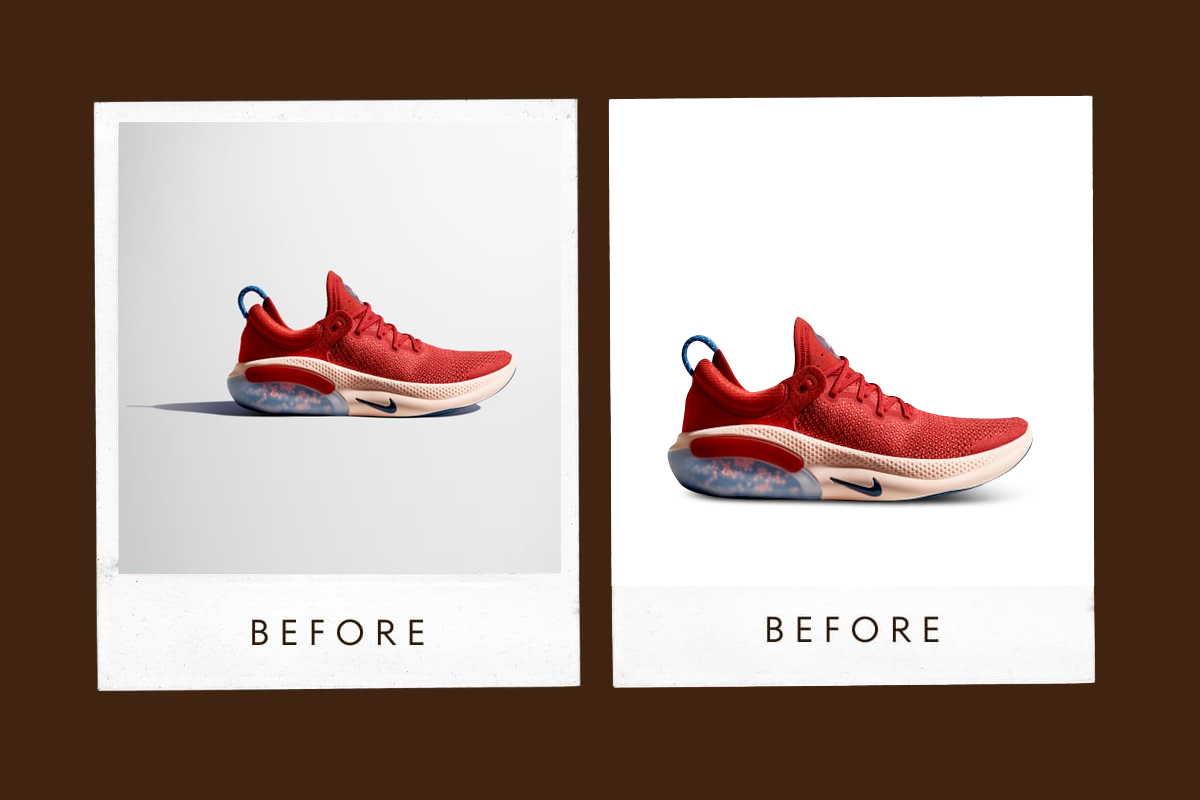
- Background removal — stripping out cluttered or inconsistent backgrounds so the product is the only focus
- Color correction — fixing white balance, exposure, and true-to-life color so what customers see online matches what arrives at their door
- Image retouching — removing dust, scratches, fingerprints, or lint that a camera picks up but the eye normally ignores
- Image sharpening — bringing out texture and fine detail without making the photo look artificial
- Image resizing and compression — making sure files load fast on mobile without losing quality
Skip any one of these steps, and your listing photo will look slightly “off,” even if the shopper cannot quite explain why.
Why High-Quality Product Images Build Customer Trust and Boost Conversions
Here is something we tell every new client: image quality is a trust signal, not just a design choice.
When a customer lands on Amazon, Shopify, or Etsy, they are scanning dozens of listings in seconds. A crisp, professional photo tells them, without a single word, that this seller is legitimate and cares about quality. A grainy, poorly cropped, or inconsistently lit photo does the opposite, even if your product is genuinely excellent.
We have watched brands double their click-through rate simply by cleaning up backgrounds and correcting color across their catalog. Nothing else changed. Same product, same price, same description. Just better photos. When you consistently Enhance Product Images for eCommerce Business, you are not just polishing photos; you are building a reputation shoppers trust the moment your listing loads.
How the Enhancement Process Works
If you want to improve product photo quality the right way, follow this sequence rather than jumping around:
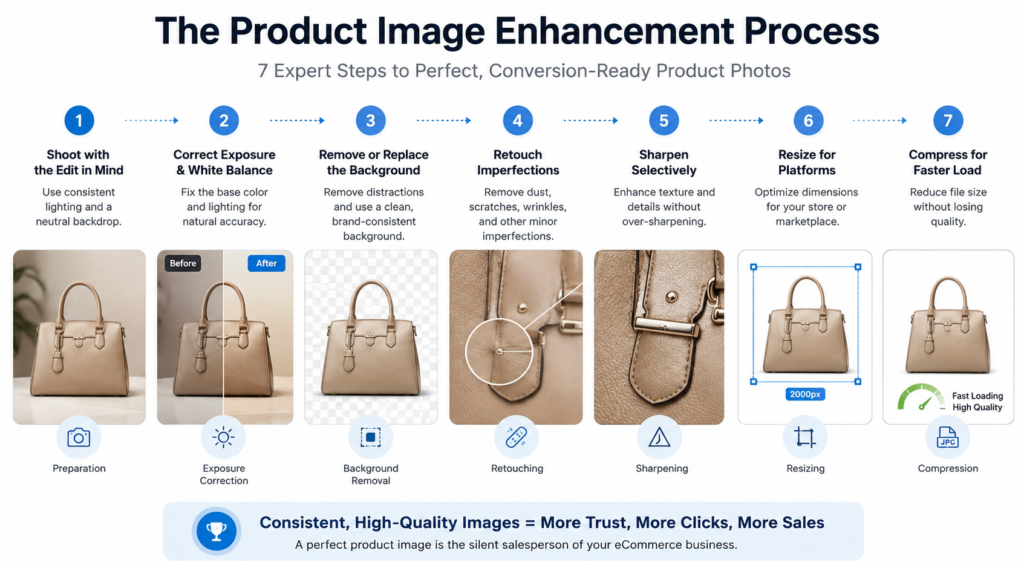
- Shoot with the edit in mind. Use consistent lighting and a neutral backdrop from the start. It saves editing time later and keeps your product image consistency intact.
- Correct exposure and white balance first. Fix the base color before touching anything else, since every later step depends on accurate color.
- Remove or replace the background. A pure white or brand-consistent background is standard for most marketplaces.
- Retouch imperfections. Remove dust, reflections, wrinkles, or blemishes that distract from the product.
- Sharpen selectively. Apply sharpening to the product itself, not the whole frame, to avoid a harsh or artificial look.
- Resize and compress for the platform. Amazon, Shopify, and Etsy all have different size requirements; compress without losing clarity.
- Check consistency across the full set. Every angle and every SKU should feel like part of the same catalog, not five different photoshoots.
We usually tell clients: get steps 2 and 3 right, and you have already fixed 70% of what makes a photo look unprofessional.
Product Image Enhancement for Different Types of Businesses
No matter your niche, learning how to Enhance Product Images for eCommerce Business looks a little different depending on what you sell:
| Business Type | Main Image Challenge | Recommended Enhancement |
| eCommerce | Inconsistent listings | Background cleanup and color correction |
| Fashion | Showing garment shape | Ghost mannequin editing |
| Jewelry | Reflections and tiny imperfections | Detailed retouching |
| Real Estate | Lighting and distracting objects | Brightness correction and object removal |
| Photographers | Large image volumes | Consistent bulk editing |
Expert Tips We Wish More Sellers Knew
After years of editing product catalogs for brands across Europe, here is what separates the listings that convert from the ones that just sit there:
- Shoot multiple angles, always. Customers who see a front, side, back, and close-up view are far less likely to bounce back and request a refund later. It sets accurate expectations.
- Match color across your entire catalog, not just within one photo. If your reds look slightly different on product A versus product B, it reads as inconsistent, even if buyers cannot articulate why.
- Do not over-sharpen. We have seen sellers push sharpening too hard trying to “pop” the image, and it ends up looking artificial and off-putting instead of premium.
- Compress smartly, not aggressively. A slow-loading page loses mobile shoppers within seconds. Balance file size against visible quality loss.
- Keep your editing style consistent as you scale. What looks fine for 20 products often breaks down at 200 unless you have a repeatable, documented process (or a team that follows one for you).
When Professional Photo Editing May Help
DIY editing works fine when you are managing a small handful of listings and have time to spare. But most growing sellers hit a wall pretty quickly.
Professional support tends to make sense when you are dealing with:
- Large product catalogs where manually editing hundreds of images eats up days you do not have
- Complex editing needs, like ghost mannequin work, jewelry retouching, or detailed masking around hair and fur
- The need for tight consistency across a growing catalog, especially if multiple photographers or team members are shooting
- Limited in-house editing skills or software, where learning a new tool costs more time than it saves
- Tight turnaround windows, such as launching a new collection or restocking for a sale
This is exactly the gap we fill at Lume Retouch. We combine manual retouching precision with AI-assisted efficiency, which means your ecommerce product image enhancement gets done accurately and fast, typically within 12 to 48 hours depending on order size. Whether you need straightforward background removal, detailed product retouching, or full-catalog color matching, our team handles it with unlimited revisions until you are fully happy with the result. If you are managing bulk orders, our volume discounts of up to 40% make outsourcing genuinely affordable compared to hiring in-house.
Frequently Asked Questions
How do I enhance product images for my eCommerce store?
Start with accurate color correction and a clean background, then retouch small flaws, sharpen the product selectively, and resize the image for your platform’s requirements. Doing these steps in order gives the most reliable results.
What is the best background for eCommerce product photos?
A pure white background is the safest choice for most marketplaces like Amazon and eBay, since it meets platform guidelines and keeps the focus entirely on the product.
How much does professional product photo editing cost?
Pricing usually depends on complexity and volume. Simple background removal costs less than advanced work like ghost mannequin or jewelry retouching, and bulk orders often come with significant discounts.
Can I edit product photos myself without software experience?
Yes, for basic edits like cropping or brightness adjustments. But for consistent color matching, clean cutouts, and detailed retouching across a full catalog, professional editing tends to save time and deliver more reliable results.
How many product images should I use per listing?
Most successful listings use 5 to 8 images, covering multiple angles, close-up detail shots, and lifestyle or in-use photos, since this reduces buyer uncertainty and lowers return rates.
Final Thoughts: Enhance Product Photos to Grow Your eCommerce Sales
Great product photos are not a luxury; they are part of your sales strategy. Every correction you make to color, background, and consistency directly shapes how much a customer trusts your brand before they ever read a single word of your description.
If you are managing this on your own for a small catalog, the steps above will get you most of the way there. But if you are scaling, juggling multiple angles across hundreds of SKUs, or need specialized work like ghost mannequin or jewelry retouching, it is worth handing the work to a team that does this every day.
Ready to see the difference professional editing makes?
Explore our product retouching services and send us a batch of your images for a free quote. We support sellers across the UK, Germany, France, the Netherlands, and beyond, with fast 12- to 48-hour turnaround and unlimited revisions until you are completely satisfied.
Lume Retouch Premium photo editing & retouching for eCommerce, fashion, jewelry, and real estate businesses across Europe and beyond. Get in touch today for a free consultation and custom quote.